

A conversation that is over should leave your inbox, and a customer who just said goodbye should not get one more automatic message. Two automations of Decisions take care of the end of a chat:
- Close well notices when the customer says goodbye and proposes resolving the chat, or resolves it on its own when the customer confirms the problem is solved.
- Auto-reply guard holds back a follow-up or a busy reply to someone who just said goodbye.
Turn them on
- In your dashboard, go into your WhatsApp number and click Decisions.
- Under Help the agent, set Close well to Suggest or Automatic.
- Under Protection, set Auto-reply guard to Turned on.
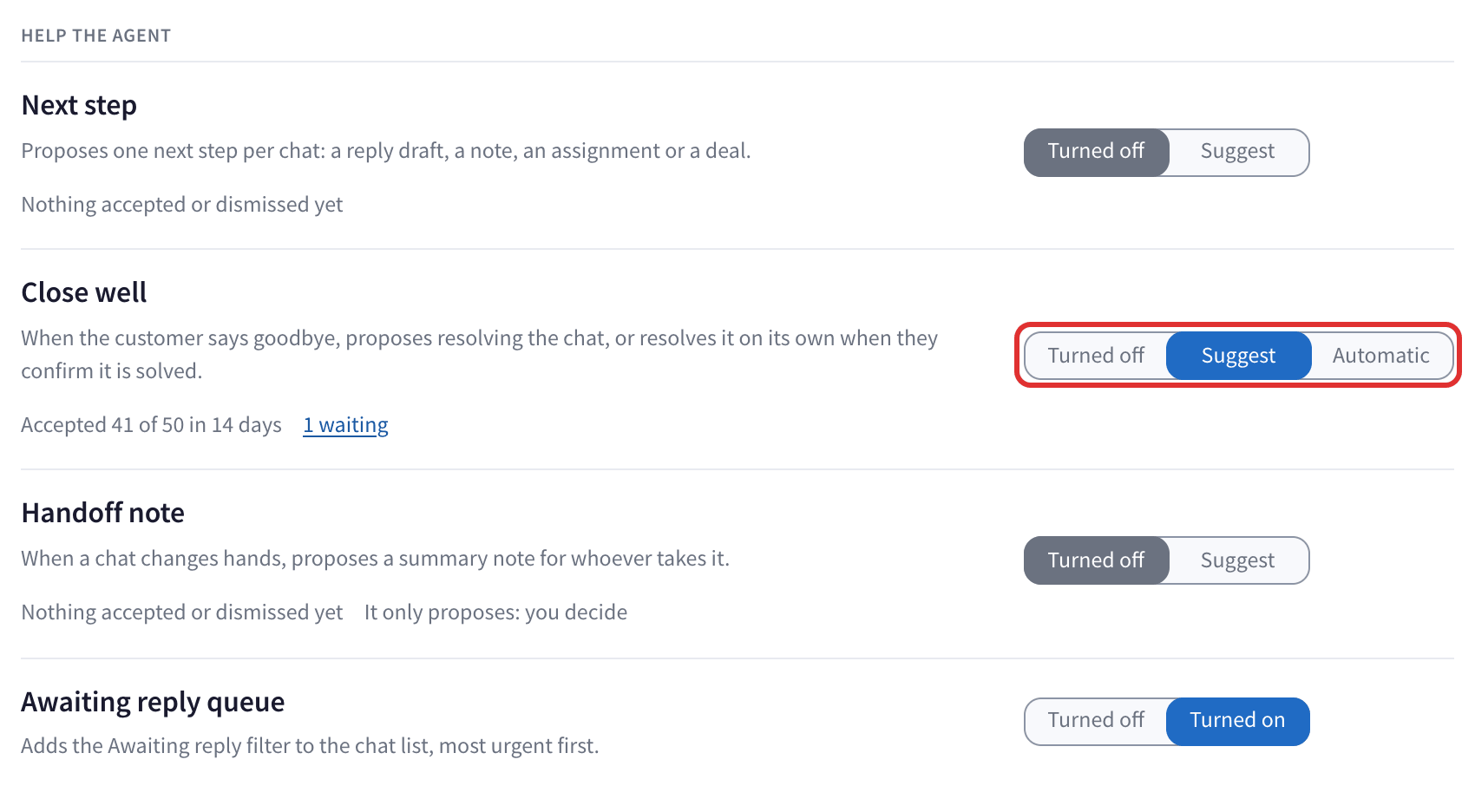
Close well in Suggest
About a minute after the customer's last message, if they are saying goodbye, the chat shows a suggestion to resolve it. Click Resolve: you are asked once more, with the reason, for example Proposed because the customer said goodbye. Click Resolve again, or Cancel.
When it resolves a chat, it also unassigns it if someone had it, and can add an outcome label, if you wrote an instruction for one (see labels and routing).
Close well in Automatic
In Automatic it resolves the chat on its own only when all of this is true:
- In their last message, the customer confirms in their own words that it is solved, like "yes, it works now, thanks".
- Nobody wrote after them.
- The autopilot is sure.
A plain "thanks, bye" is never resolved on its own: it is only suggested. And it never resolves a chat while the customer is still waiting for something from you.
The conversation then shows "The autopilot resolved the conversation" with Undo for 24 hours. Undo reopens the chat and gives it back to whoever had it. If the customer writes again, the chat reopens anyway, like any resolved chat.
The Auto-reply guard
Your automatic replies can send a follow-up when a customer has not answered for a while, or a busy message. If the customer's last message was a goodbye, that follow-up is out of place. With the Auto-reply guard on, those automatic replies are not sent to a customer who just said goodbye.

It only holds back automatic replies. It never sends anything, and the guard keeps working in a chat where you paused the autopilot.
Questions
How is this different from Resolve chats automatically? Resolve chats automatically resolves chats after a time with no activity, whatever was said. Close well reads the end of the conversation. Use both: Close well resolves the chats that ended well right away, and Resolve chats automatically clears the ones where the customer simply stopped answering.
Does the customer get a message when the chat is resolved? No. Nothing is sent to your customer.
It resolved a chat that was not finished. Click Undo on the line in the conversation, or in the history. If it happens again, set Close well back to Suggest.